
Setting up and viewing
BlasTvSolutions
BlasTvSolutions
BlasTvSolutions
Streaming device set-up
Instructions
After purchasing device please go to your app store on your cell phone
Download the “Google TV” app
Once you get home
Connect the device properly
Hdmi cable
Power cable
Insert batteries into remote
Connect to WiFi
After change the account email
(under network connection/WiFi)
Choose add account
This will bring up a QR code
Next using your cell phone scan the code this will then ask you to open your Google TV app which will complete the process
Connecting device to tv
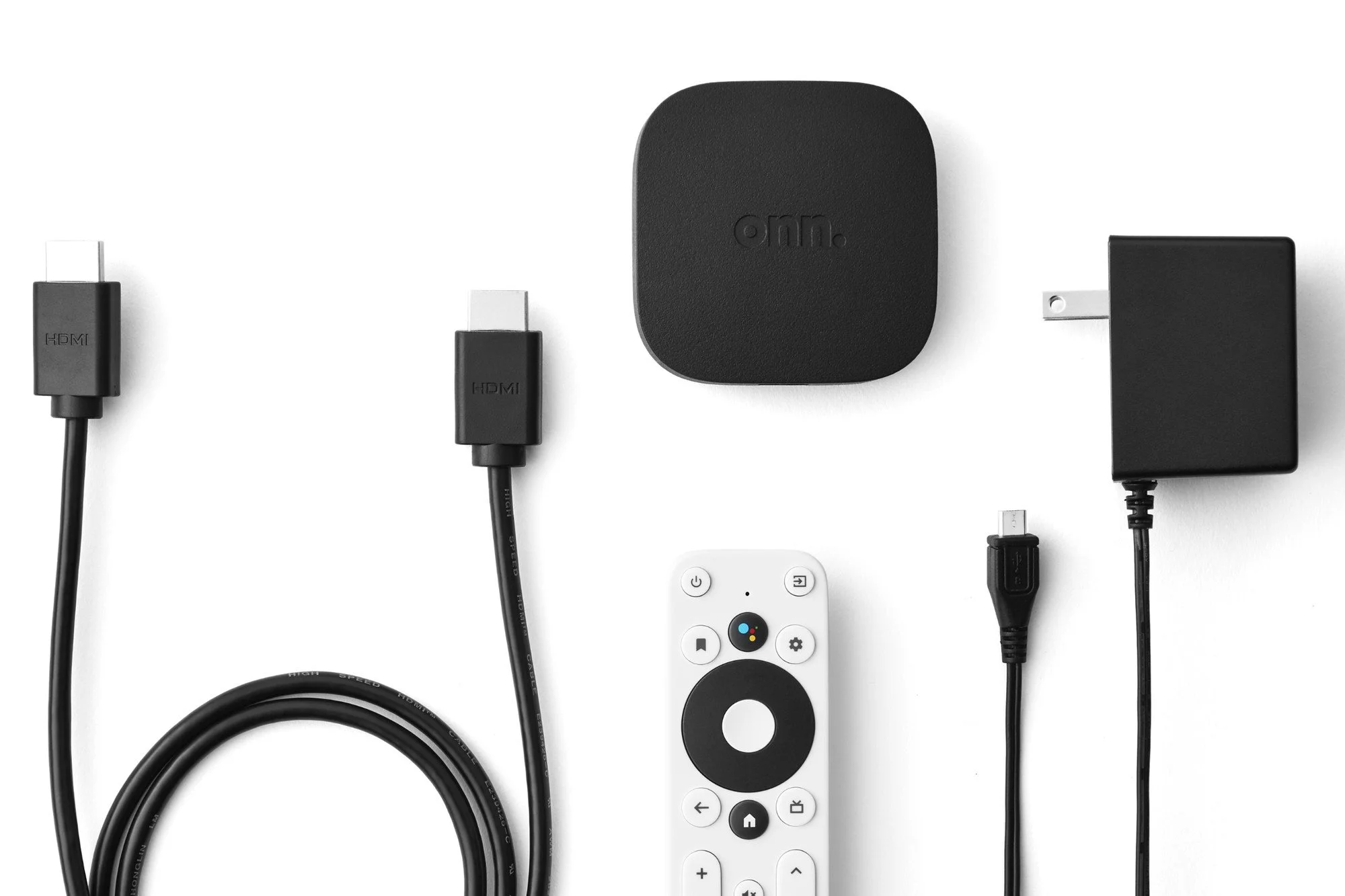
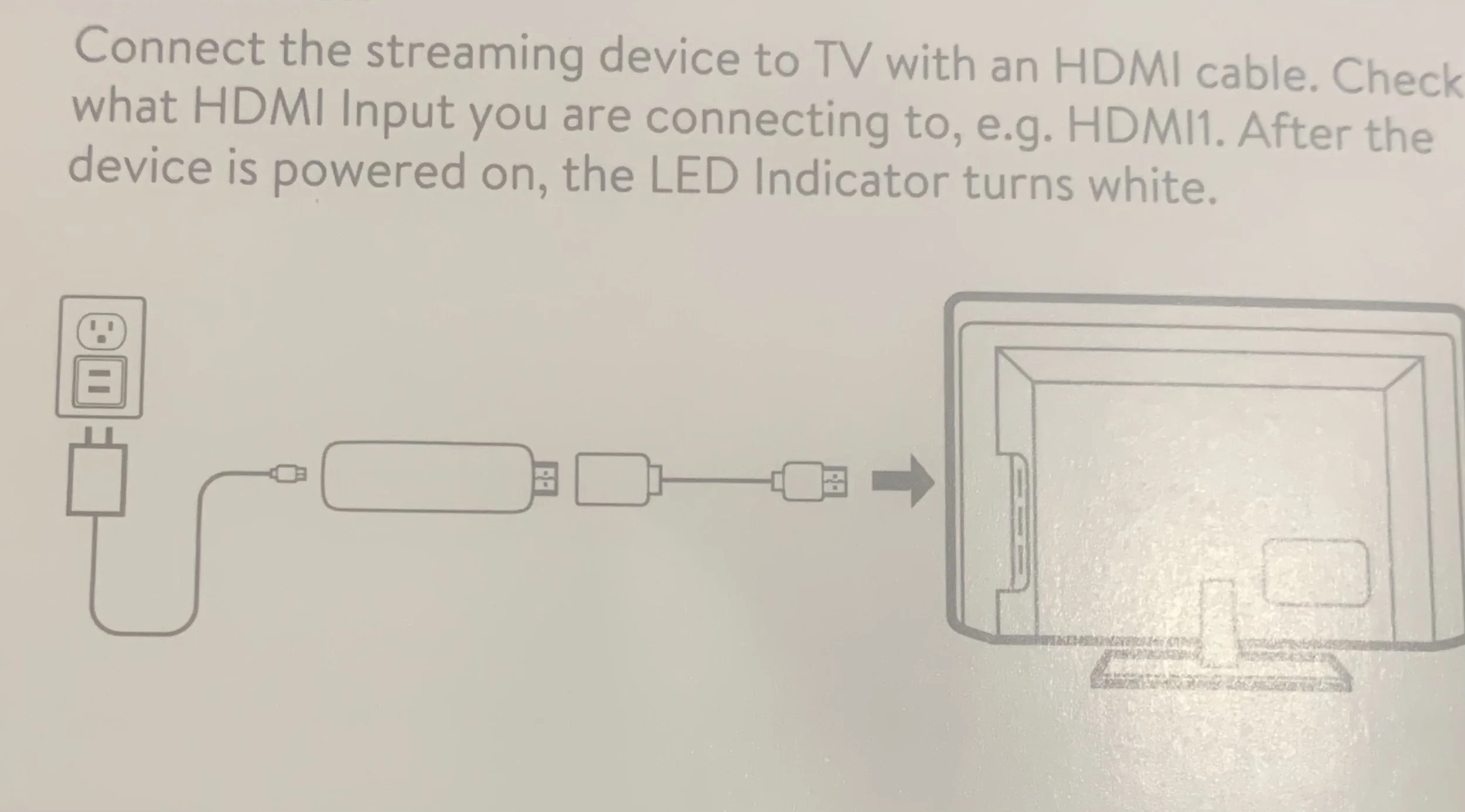
First, Thanks for your purchase. All items in box should be used, power cord, hdmi adapter, device, remote & batteries. Connect device to hdmi adapter then connect to any available hdmi port on tv, next connect power cord to device then connect cord to wall outlet. Remove battery cover and insert batteries.
Set up wifi
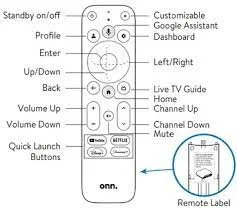
On the remote provided press the gear icon once, just above circle on the right. Press the Botton of that circle, this will take you to wifi. Next click the select button in middle of circle. This will take you to ‘Network & Internet’. Choose your wifi name and when asked type in your wifi password.
For your safety after completing the WiFi process please change the account by going back into settings to account and add account. Follow the prompts adding your own email account and password.
Pairing remote to operate your tv
On the remote provided press the gear icon once, just above circle on the right. Press button in middle of circle. Press down section of circle six times. Press middle of circle, now press down two times and click select in middle of circle. Hit select choose the TV. Now choose your brand of tv and follow the prompts.
Once these two things have been completed; you can press the home button twice on remote to return to Home Screen. Choose an app and enjoy.
Remember the apps to use without have to sign up for subscription are the following:
for all movies, tv shows & sports including PPV
for cable tv channels
for all sports & ppv
(Please refer to our channels page)