Beginning Set-up NEWS!
Please read all information on front of your new device. There are just 2 things to complete before watching your new device.
1 - Connect to your WiFi
2 - Change the email currently attached to device (blastvsolutions) to your own.
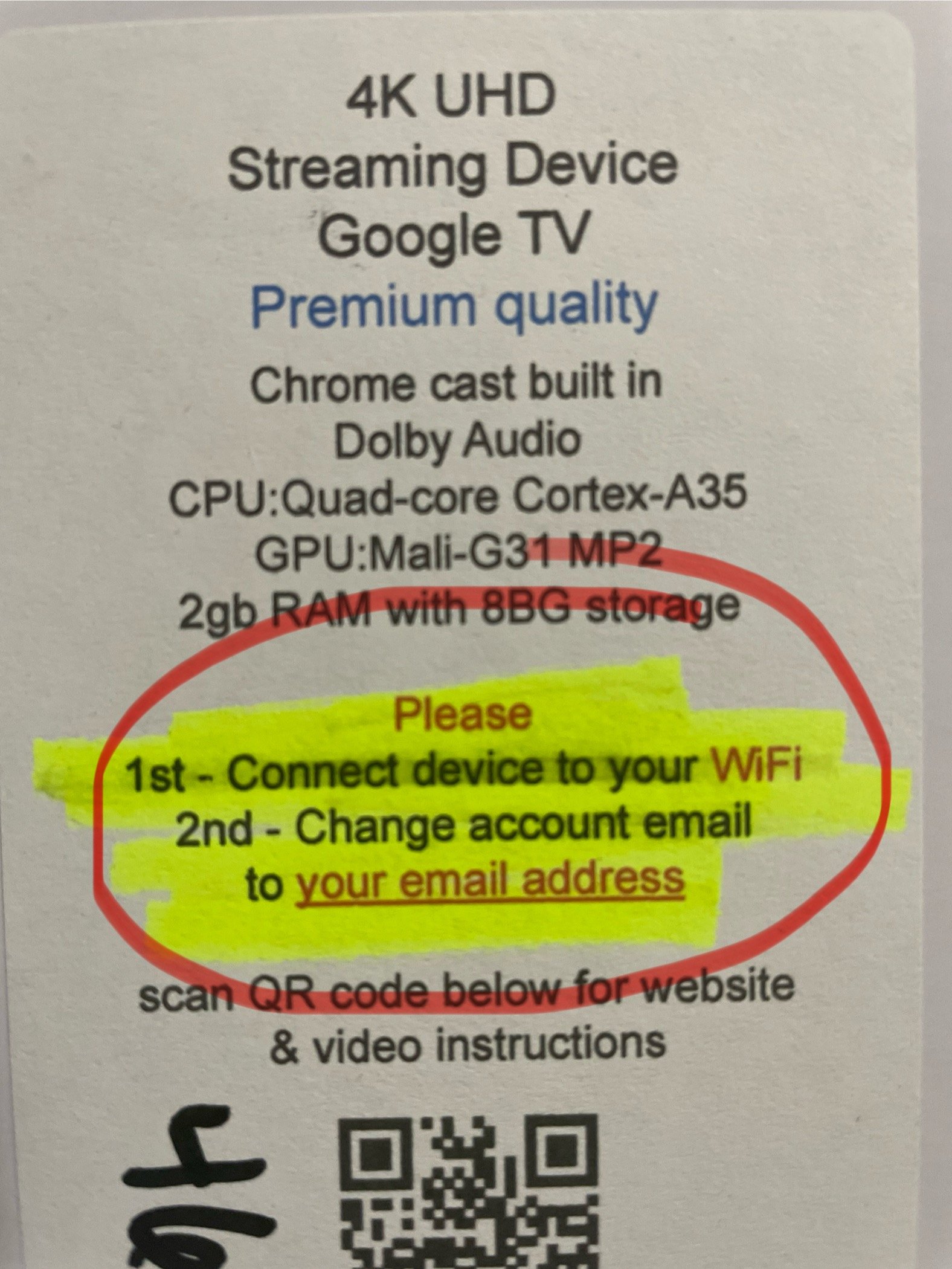
If for any reason this isn’t done eventually the device will log you out; It’s much easier to take care of this during installation. Also once this is done delete/remove (blastvsolutions) email.
Remember anytime you see a message about remote update please do so as soon as possible; And anytime an app shows a update please follow the screen instructions to do so (this happens every-so-often). Any app that doesn’t properly update within 2 minutes; Please hit the home button on the remote and refer to out website (how-to-video section).
Enjoy your new streaming device
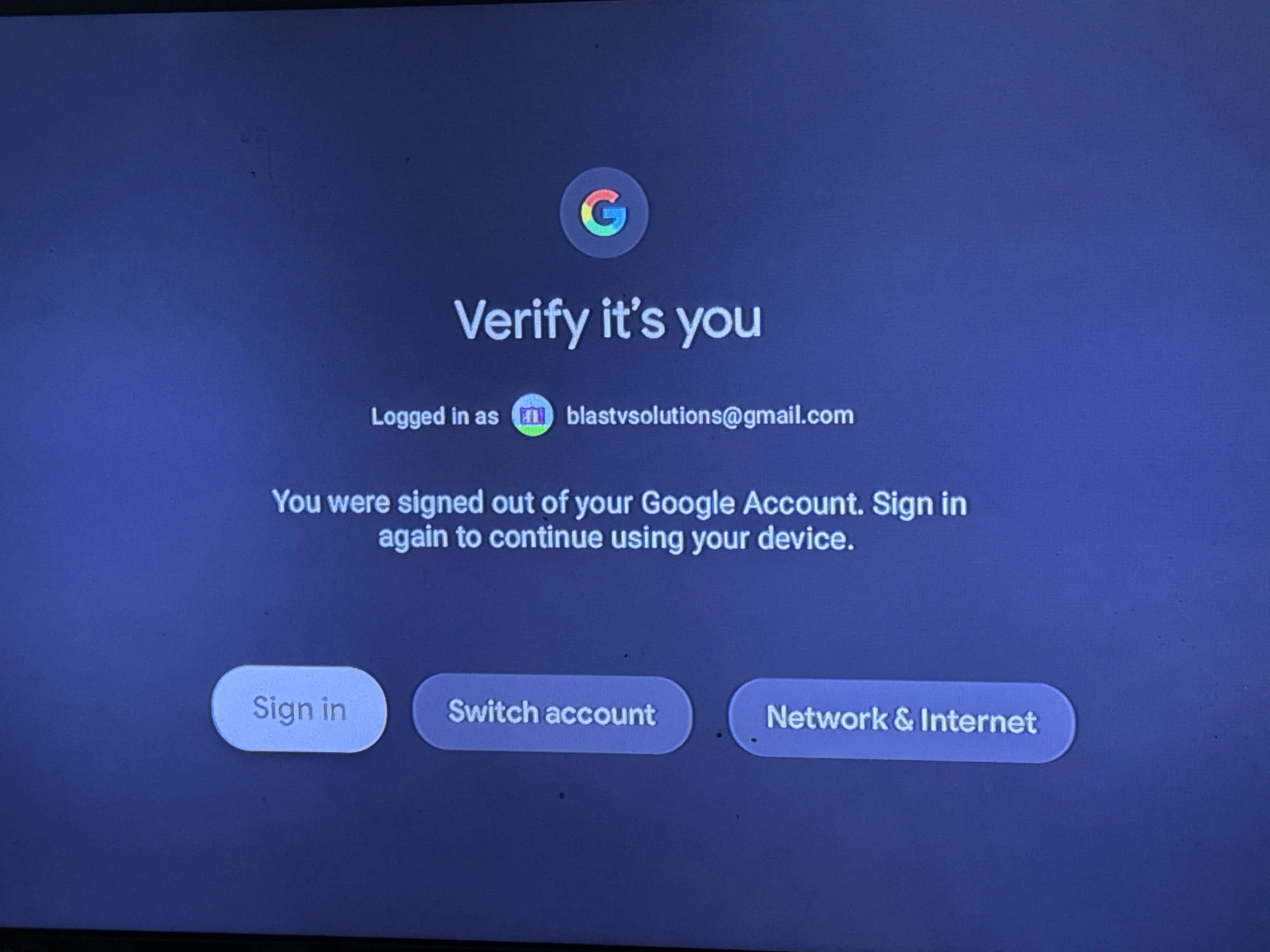
If you didn’t change the email account when got this streaming device home you eventually will be faced with this screen. Please understand that blastvsolutions is the company that you just purchased this device from (not a used device someone else previously owned. Now from this point choose ‘switch account’. Next, ‘add account’ and then follow the prompts to either scan the QR code on the screen with your cell phone to login using your email or manual blasly enter your email & password which one is more convenient. If for some reason it does not accept your password you have not entered the incorrect password for your email account.
